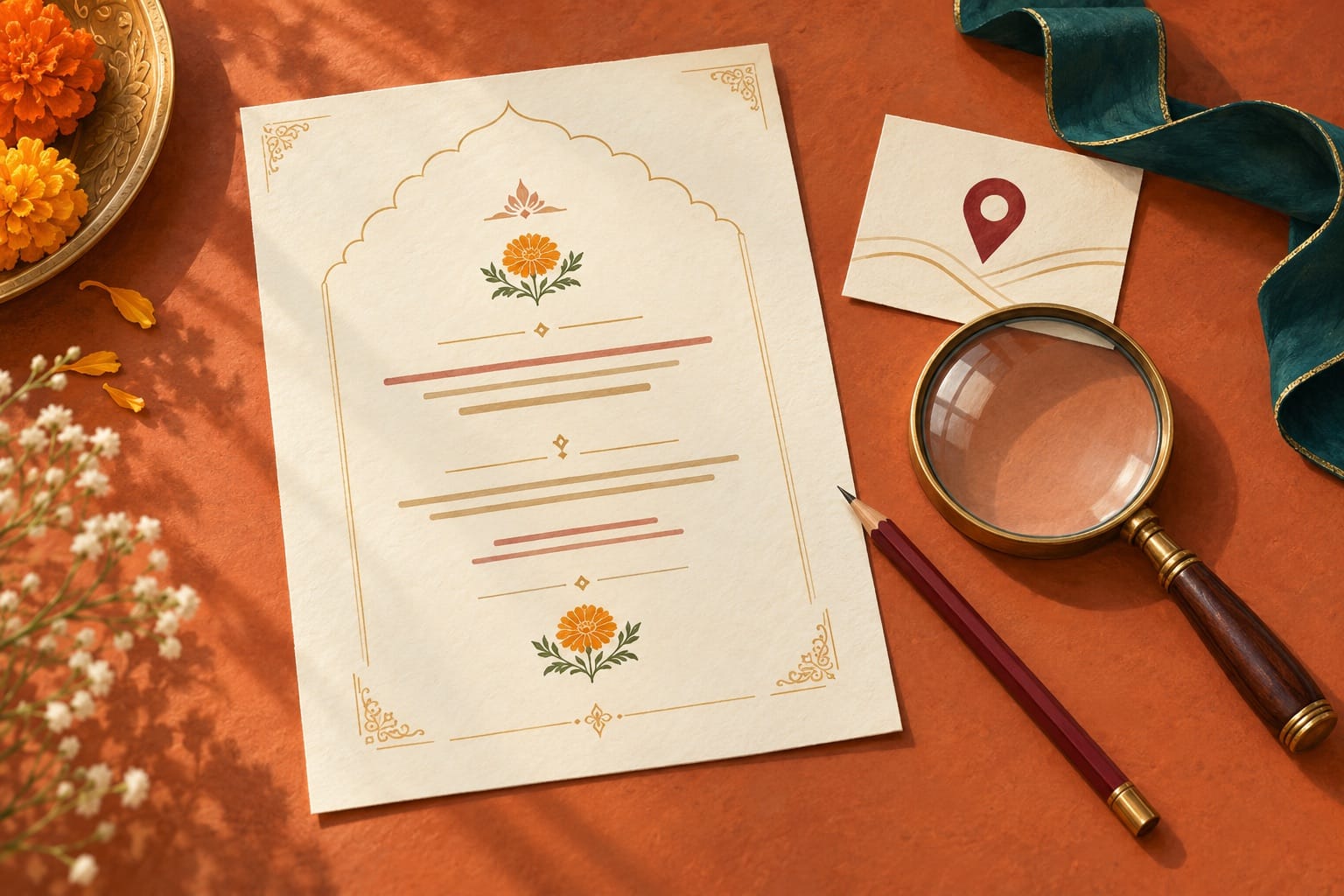
Before approving an Ayodhya wedding invitation for printing, check three things separately: the family names, the function dates and times, and the address guests will actually use. A beautiful card can still send someone to the wrong entrance. Treat the final proof as a set of instructions as well as a keepsake.
This guide is for the moment when the wording and design are nearly finished. It gives you a practical proofing order, a location check and a short approval message you can adapt. It does not prescribe a religious format or replace your family's preferred invitation wording.
Make one approved information sheet first
Gather the details in one place before a designer starts making corrections. Include the couple's names, the host line, each function's full date, the time guests should arrive, the venue name, the full address and the contact you want printed. Mark which details belong on every card and which belong only on a separate function insert.
Have the people whose names appear approve their spelling and preferred form. For a Hindi and English invitation, check each version independently. A correctly spelled English name does not establish that the Hindi version is correct, and transliteration choices should come from the family rather than a designer's guess.
Nominate one person to collect corrections and return a single consolidated list. If several relatives send different instructions, ask that coordinator to resolve them before the next proof. Keep a dated copy of the approved information sheet alongside the artwork.
Check the function, date and time together
Read each function as a complete sentence: what is happening, on which date, at what time and where? This catches a common layout problem in which the right date or venue appears beside the wrong event.
- Check the full date, including the month and year. If you print the weekday, confirm that it matches the date.
- Distinguish the time guests should arrive from a ceremony time that may have been agreed separately.
- Use a clear time format. If you use a 12-hour clock, include AM or PM wherever a guest could be unsure.
- Check events that cross midnight especially carefully. State the intended calendar date in the guest instructions.
- For separate inserts, check that each household receives the functions you intend to invite them to.
Read the details aloud from the proof without looking at your planning sheet. Then compare what you read with the approved version. Reading from memory can conceal an error because you supply the detail you expected to see.
Use the venue's full address, not just “Ayodhya”
A property's public name and its postal location may use different place names. For example, Park Inn by Radisson Ayodhya's official contact page gives its address as 4108, Fatehganj Road–Civil Line Road, Lajpat Nagar, Faizabad. That is an example of why the full address matters, not a recommendation to book that hotel.
Ask your own venue team to approve the name and address you plan to print. Confirm the event space too: if the invitation names a hotel, guests may still need to know which hall or entrance serves your function. Print a useful address even when the card also includes a QR code.
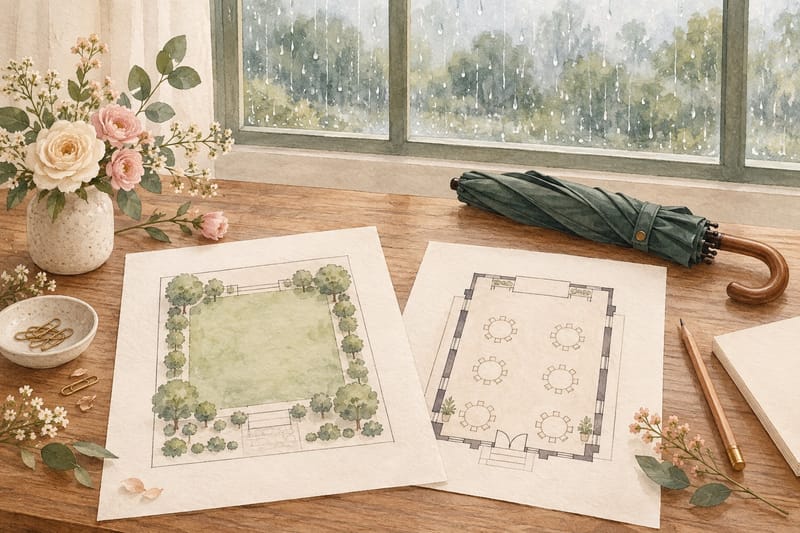
A hand-drawn map can simplify the approach, but its labels should match the actual roads, landmarks and entrance agreed with the property. Do not turn an untested map estimate into a promised journey time.
Test the link and QR code from the final artwork
Google Maps' official help explains how to share a map or directions with a link. Use the intended destination, then check what a guest sees when that link opens. A saved place on your own account is not the same as a tested guest instruction.
Ask the venue to confirm the selected pin and entrance. Open the shared link on a phone, read the displayed place name and address, and compare them with the printed card. If a route link has an origin built into it, check whether that origin makes sense for your guests.
Scan the QR code from the actual final proof, including a sample at the intended print size. Test it on more than one phone if you can. Decorative borders, low contrast or an unexpectedly small printed code deserve attention before the whole batch is produced.
Keep a written address and a reachable contact available for someone who cannot scan the code. Put airport, station and pickup details in a separate travel message when they differ between guests; our Ayodhya guest travel guide covers that coordination.
Review a physical sample for readability
If you are printing cards, ask what sample the supplier can provide and whether it uses the intended paper, finish and production method. A screen preview cannot show every feature of the finished item.
Read the essential details in ordinary room light. Look closely at small text, pale lettering, decorative scripts and text placed over a pattern. Ask a relative who did not help design it to find the date and venue without prompting. If the answer requires hunting through the design, simplify the layout.
Check every page and insert, the front and back, the envelope and any separate address label. Confirm quantity, agreed inclusions, delivery date and the supplier's process for changes after approval. Get those terms in writing rather than assuming that every correction remains free.
Send one precise final approval
You can adapt this message after all corrections have been checked:
“We approve [filename/version and date] for production of [quantity and agreed items]. Names, host wording, function dates and times, venue address and the map/QR destination have been checked. Please confirm that this is the exact version you will produce, with the agreed paper/finish and delivery date. If anything changes, send a revised proof before production.”
Save the approved proof and the supplier's confirmation together. If you discover an error after sending invitations, prepare one clear correction identifying the affected detail and the correct information. Contact the affected guests directly rather than relying on them to notice a new image in a busy group.
The invitation gets guests to the right celebration. Closer to travel, a separate guest welcome message can carry the hotel, pickup and coordinator details that would overcrowd the card.
Official address and map-sharing sources checked on 6 October 2026. Confirm your own venue details and supplier arrangements before approval.
AI-generated conceptual illustration of invitation proofreading. It does not show a real wedding card, map or venue. Original artwork prepared for this article; compressed to JPEG for display.